


Nova Remote
Church presentation control · Nova Presenter Pro
Nova Remote pairs with your computer over church Wi-Fi. Project scripture, advance lyrics and switch media without standing behind the desk.
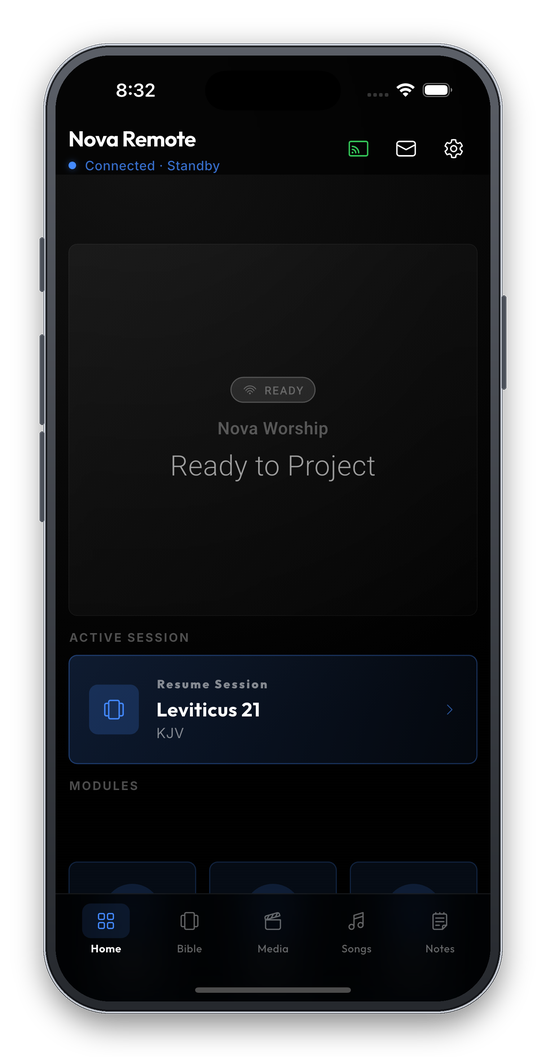
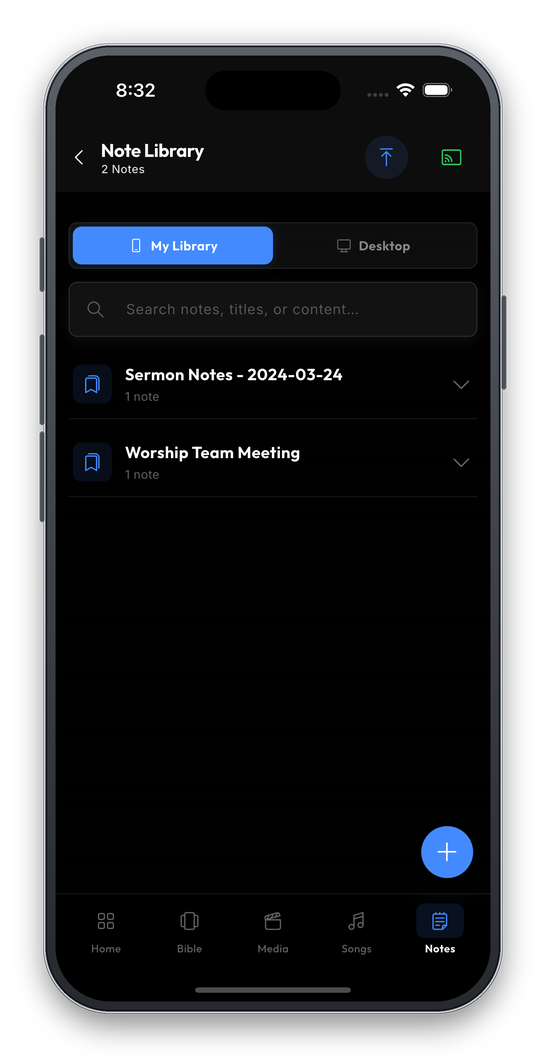
Everything the desktop has
The phone keeps no copy of your library. It reads the desktop's live content, so the two cannot drift apart in the middle of a service.
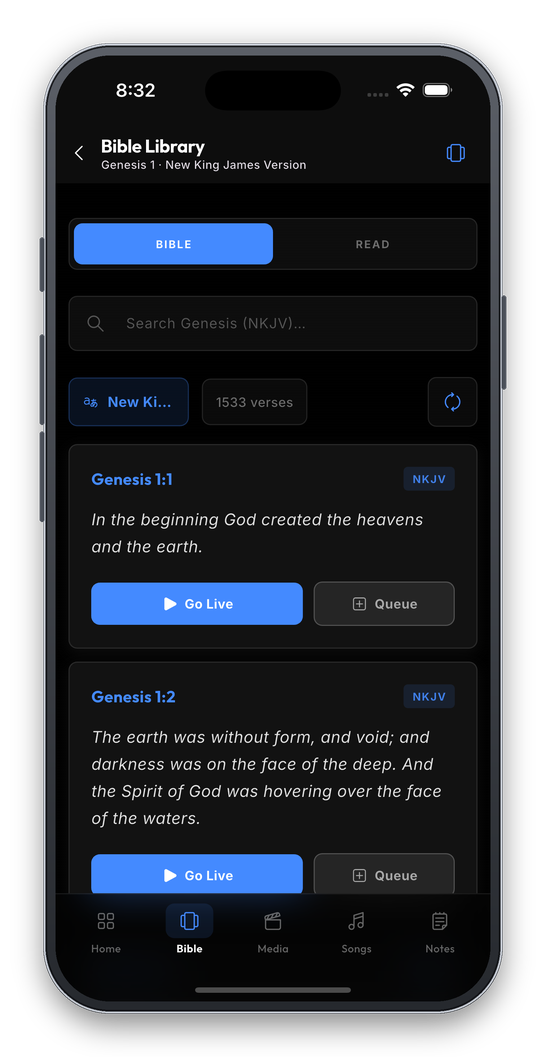
Bible
Search any verse and send it to the screen, in the translations the desktop already has installed.
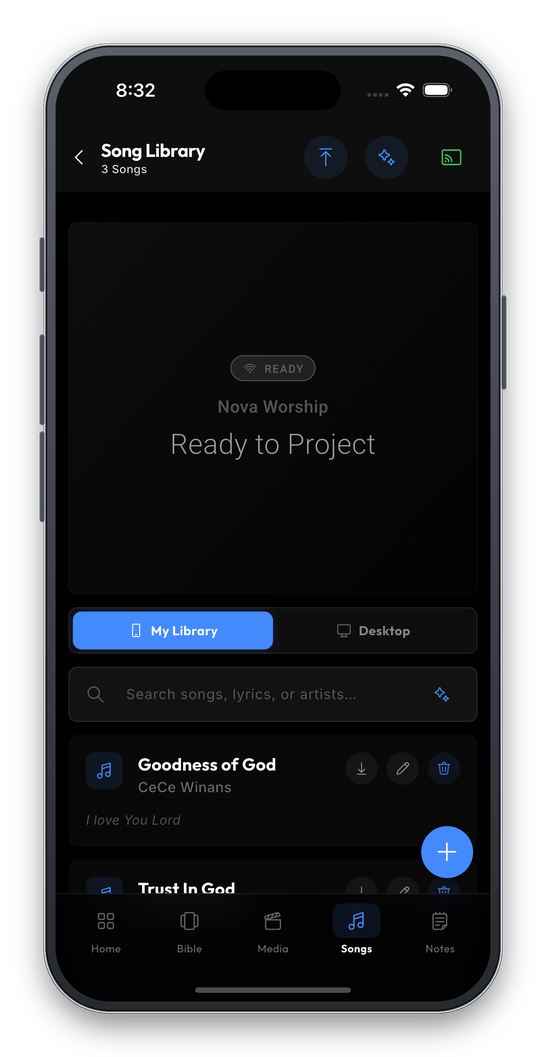
Songs
Your song library, split into the same slides the desktop shows. Step through from anywhere in the room.
Notes
Sermon notes pulled from the desktop. Written at the desk, read from the stage.
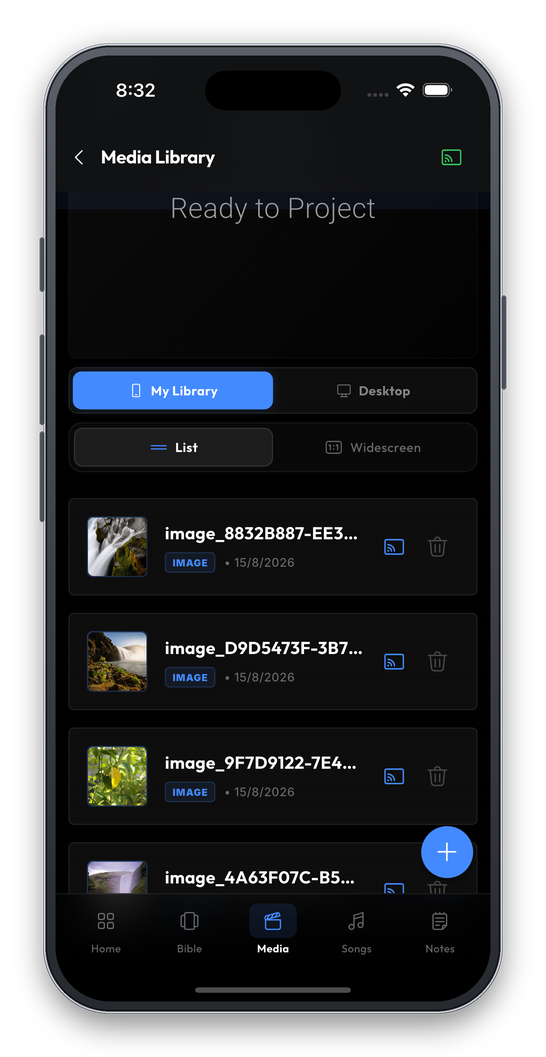
Media & slides
Images, video and PowerPoint slides already loaded — projected with a single tap.
Paired in about a minute
Same network
Put the phone and the computer on the same church Wi-Fi. Nothing beyond that is required.
Enter the PIN
Open Remote Connect on the desktop for the address and PIN, then type the PIN into the app.
Sign in
Use the same licence key the desktop uses. Nothing else to configure.
A PIN, not an open door
Pairing needs the PIN shown on the desktop. Regenerate it and every paired phone is dropped.
Nothing routes through us
The phone talks to your computer directly, so the remote keeps working when the building's broadband does not.
Details
Put it in their hands this Sunday
Nova Remote is included with every licence, the free tier included. Install it, pair it, and whoever runs the service can leave the desk.