


Engineered
for Production
Download the world standard in church presentation software. Built for reliability, designed for ministry.
macOS (Silicon)
Apple Silicon (M1/M2/M3/M4)
67.6 MB · macOS 12.0+macOS (Intel)
Intel Processors
67.6 MB · macOS 12.0+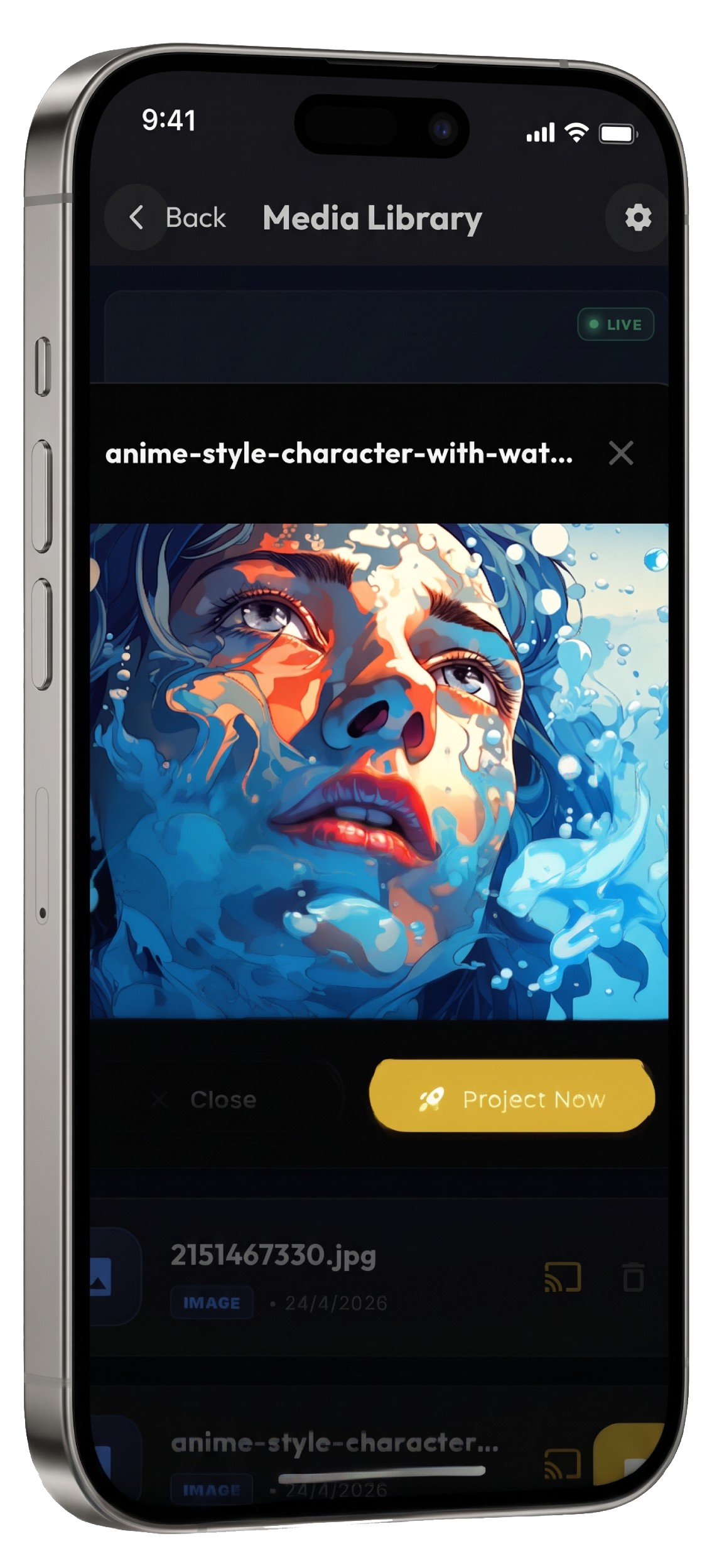
Nova Remote
Controller
Run the service from your phone or tablet. Pair over your local network and control slides, songs, scripture and media with sub-50ms sync — no internet required.
 Android · Android 8.0+
Code Signed
Verified and safe for production systems.
Zero Latency
Sub-50ms sync with mobile controllers.
Stable Release
Rigorous stress-testing in live ministry.
PowerPoint Support — LibreOffice
Nova converts your .ppt and .pptx files using LibreOffice, a free open-source office suite. It is a separate one-time install, and only needed if you present PowerPoint slides — Bible, songs, media and notes all work without it.
Windows
- 1
Open libreoffice.org/download
- 2
Download the Windows x86_64 installer
- 3
Run it and accept the defaults
- 4
Restart Nova
macOS
- 1
Open libreoffice.org/download
- 2
Pick Apple Silicon or Intel to match your Mac
- 3
Drag LibreOffice into Applications
- 4
Open it once so macOS trusts it, then restart Nova
Linux
- 1
sudo apt install libreoffice
- 2
Or install the Flatpak / Snap build
- 3
Restart Nova
Nova detects LibreOffice automatically once installed — no configuration, and no need to open it. You can install it later; Nova will pick it up on its own.
System Requirements
Quick Install
Nova runs in minutes. Step 4 is only needed if you present PowerPoint files.
- 01
Run the downloaded installer and follow the prompts.
- 02
Authorize screen recording and projection permissions when asked.
- 03
Sign in, then activate this computer to claim your free AI voice minutes.
- 04
For PowerPoint: install LibreOffice (free) — see the panel below.